Software / ShowLight DMX
ShowLight DMX
Lights that hear the music.
A lighting operator that listens to whatever is playing, recognizes the character of the track and runs the whole show by itself. You connect the fixtures and press START.
Download for freeWhat it does
Understands music
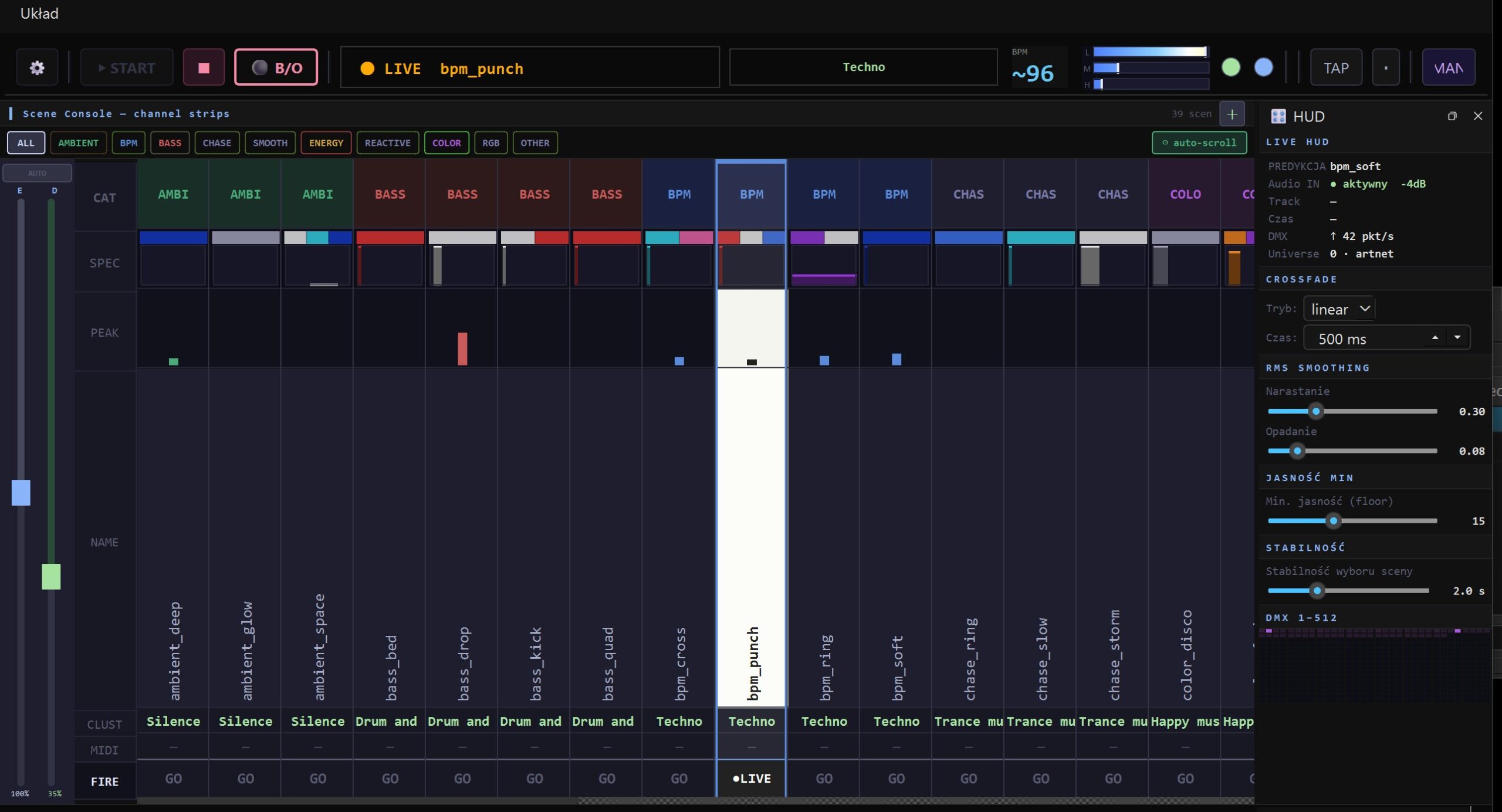
It analyzes the sound live and recognizes the character of the track — techno, funk, ballad, rock — then matches the mood of the light to it: colors, pulse, movement.
Catches the drop
A sudden jump in energy switches the light to the sharpest scene at once. No waiting, no programming.
Knows the tempo
It measures the BPM of the track itself and changes scenes on the beat, like a planned choreography. You can also tap the tempo with a single key.
Tuning on the fly
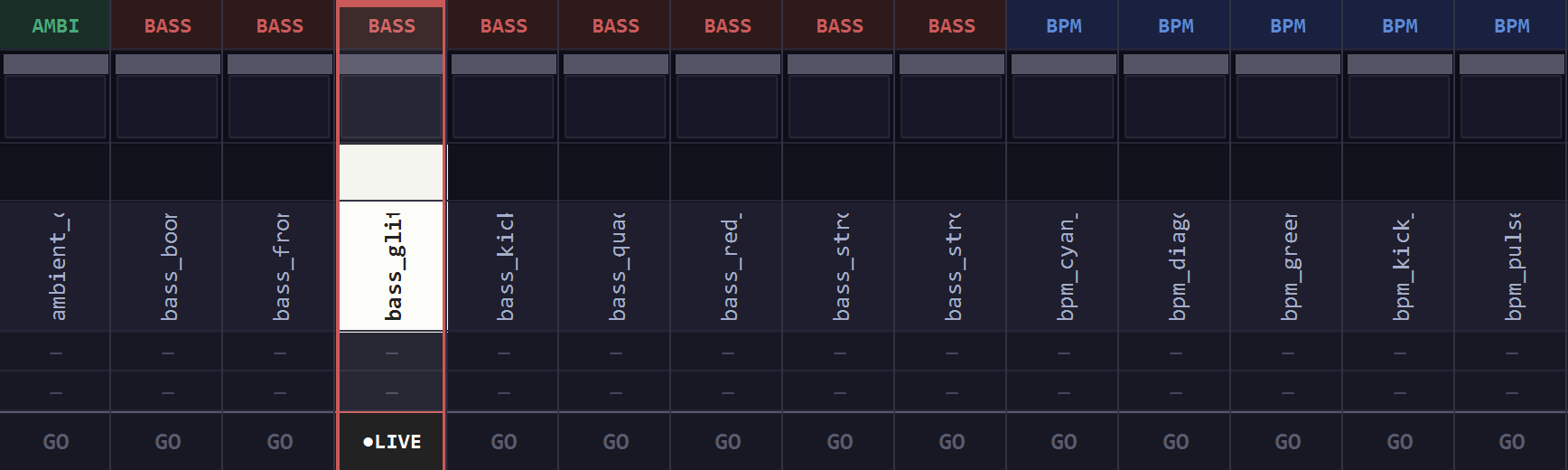
You drag a slider and the fixtures respond instantly. Crossfade, smoothing, minimum brightness and scene stability — all while the music plays.
Start in 3 steps
How it looks
Download
Manual
Two pages of specifics: what to connect, what the program should listen to and what the sliders do. The same text in two variants — pick the one that reads better on your screen or prints better on your printer.
Requirements
- System Windows 10 / 11 (64-bit)
- DMX output Art-Net node / converter (network based)
- Fixtures this version drives 4 RGBW units
- Scenes 39 built-in scenes across 11 moods
- Sound any input: system, line, microphone
- Internet not needed — everything runs offline